UNITS / UNIT 03 / FRTC
GAME ENGINE AND CREATION STUDIO
A game engine with its editor built in.
03.
OVERVIEW
CASE FILE FRTC
Fortece is a C++ game engine with a creation studio. You can build meshes and scenes, design materials and sounds, animate rigs, author interfaces and play editable gameplay behaviors inside Studio, then package a standalone Windows game.
The editor is HTML and CSS running in WebView2. Native code owns saved content, execution and rendering. DirectComposition places the native D3D12 swap chains beneath the transparent HTML controls, so the browser never receives game images or geometry.
- TYPE
- Game engine with an integrated creation studio
- PLATFORM
- Windows x64
- LANGUAGE
- C++ engine · HTML, CSS and JavaScript editor
- STACK
- Direct3D 12 · DirectComposition · WebView2 · CMake
- SIZE
- ≈81,000 lines of engine C++, 14,000 lines of editor code, 29,000 lines of tests
- HISTORY
- 1,225 commits
- VERSION
- 0.1.0
TWELVE MODULES
12 ENTRIES
01
Scene
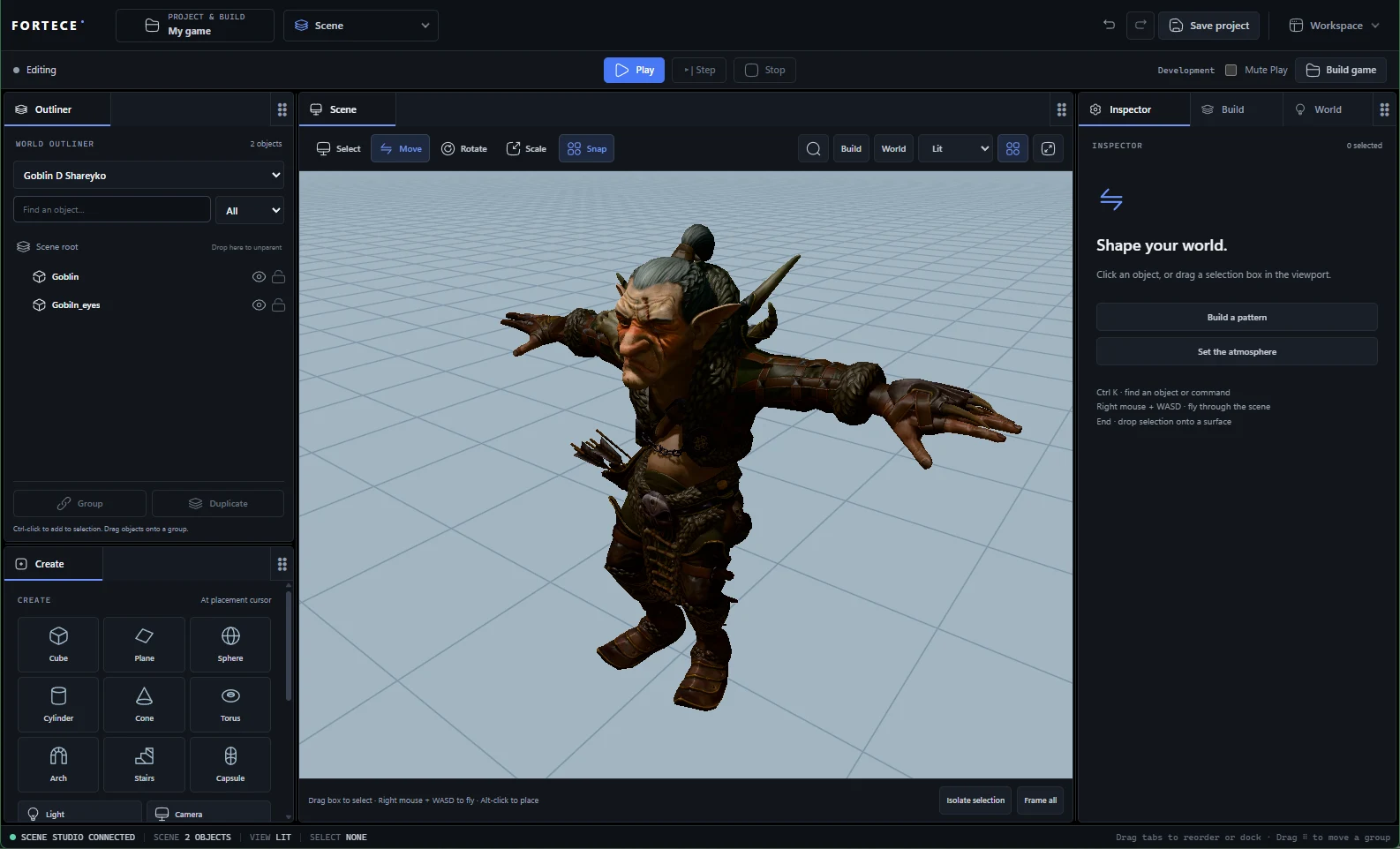
Build worlds, arrange objects, edit lighting, save cameras and reuse assemblies.
02
Assets
Import Mixamo, FBX and glTF characters, attach animations, search, tag and place assets.
03
UI Studio
Responsive menus and HUDs with components, bindings and motion.
04
Modeling
Mesh editing that keeps UVs and skin weights, saved primitives, portable character export.
05
Materials
PBR surfaces and shader graphs, previewed in D3D12.
06
SFX
Synthesize effects, play a piano or synth, record phrases and export audio.
07
Animations
Edit clips, pose rigs, use IK and connect animation events to gameplay.
08
Gameplay
Behaviors, NPC navigation and perception, patrol routes, and live decision inspection.
09
Project & Build
Controls, quality, saves and profiles, then package and launch a Windows game.
10
Play & Debug
Run the saved game with native rendering, input, collision, audio and UI; pause, step, inspect.
11
VFX
30 editable bases, native gas and liquid solvers, particle outputs and event chains.
12
AI
A Studio chat connected to provider APIs and the native authoring tools, with validated edits and undo.
SCREENS
07 CAPTURES
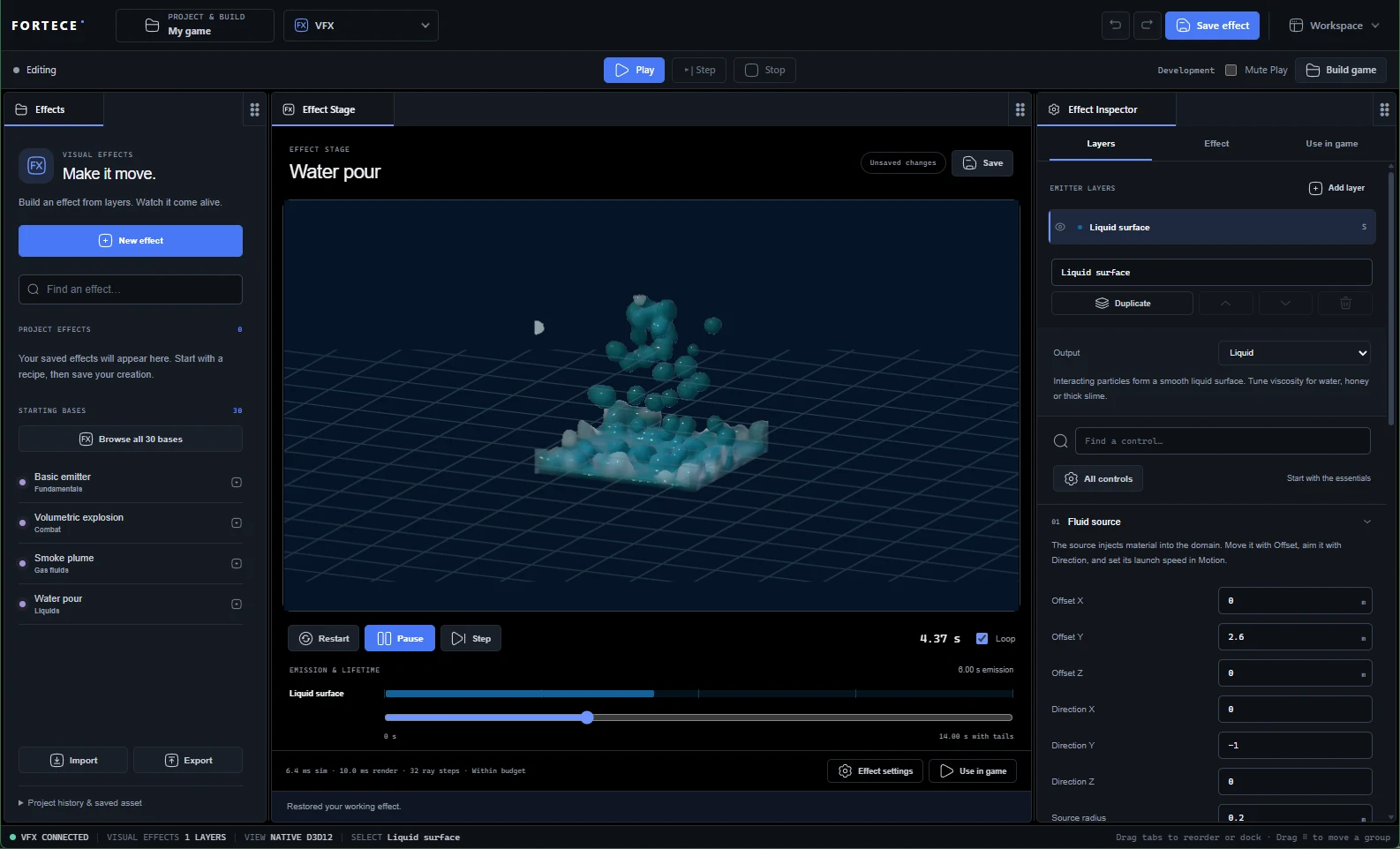
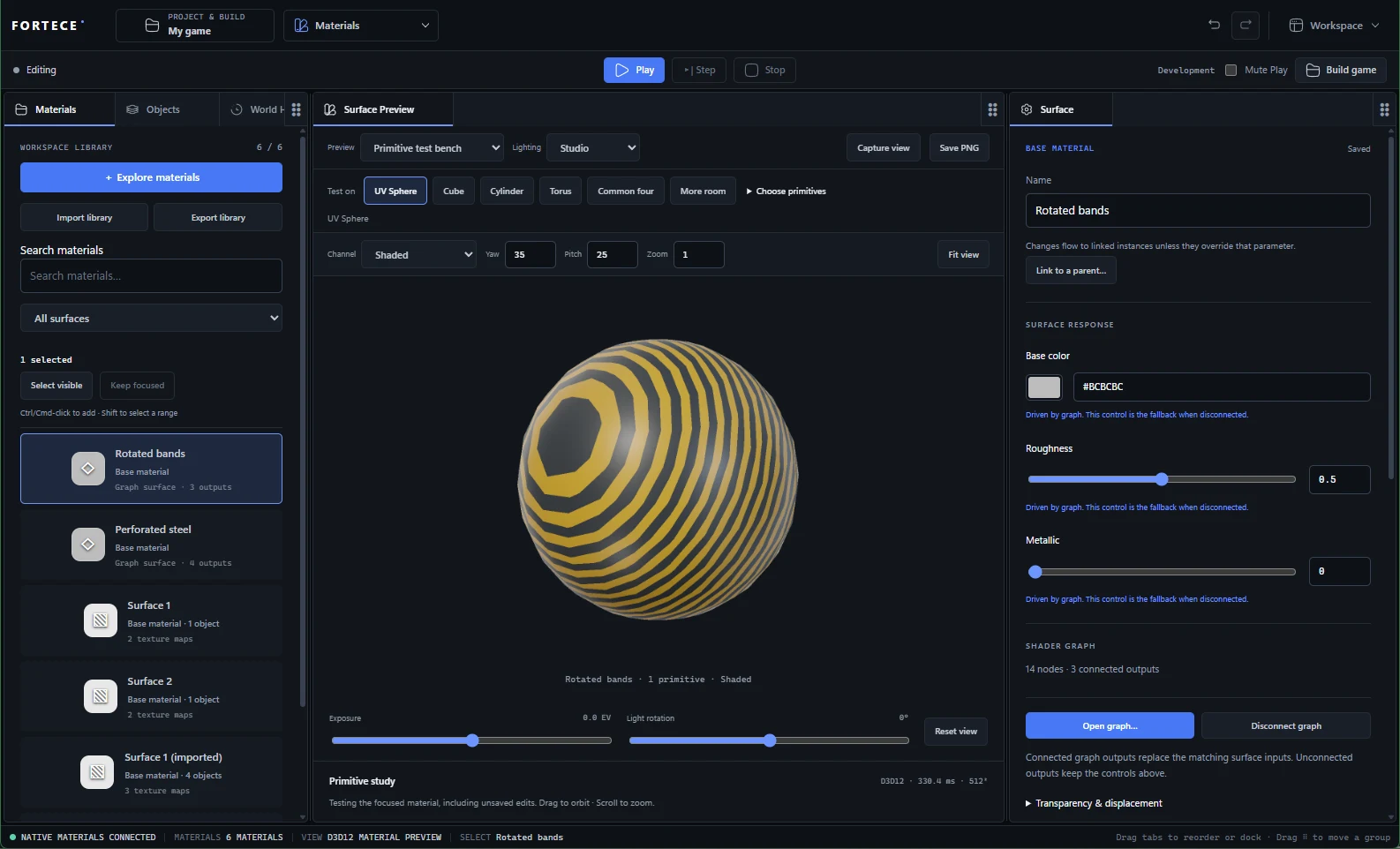
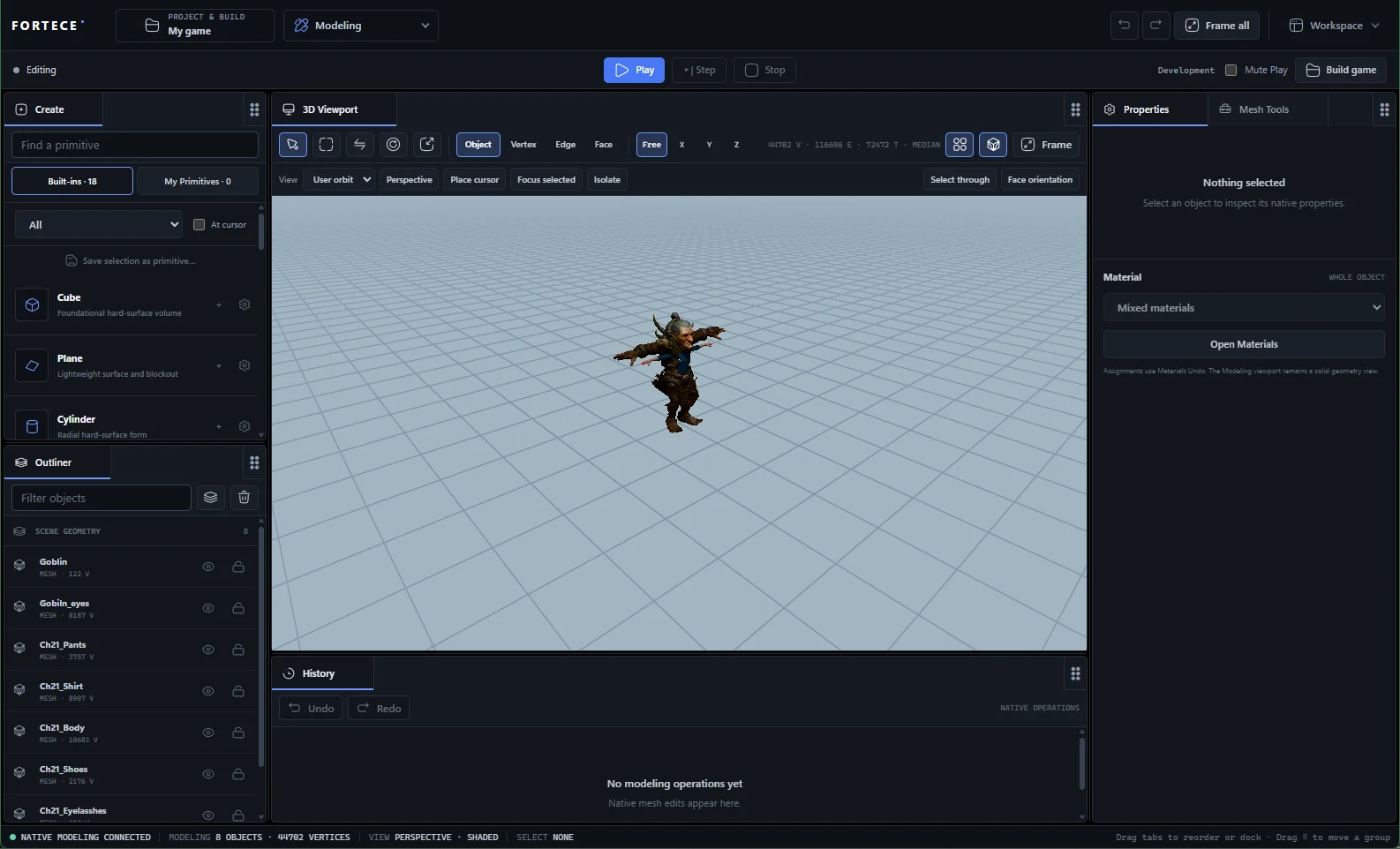
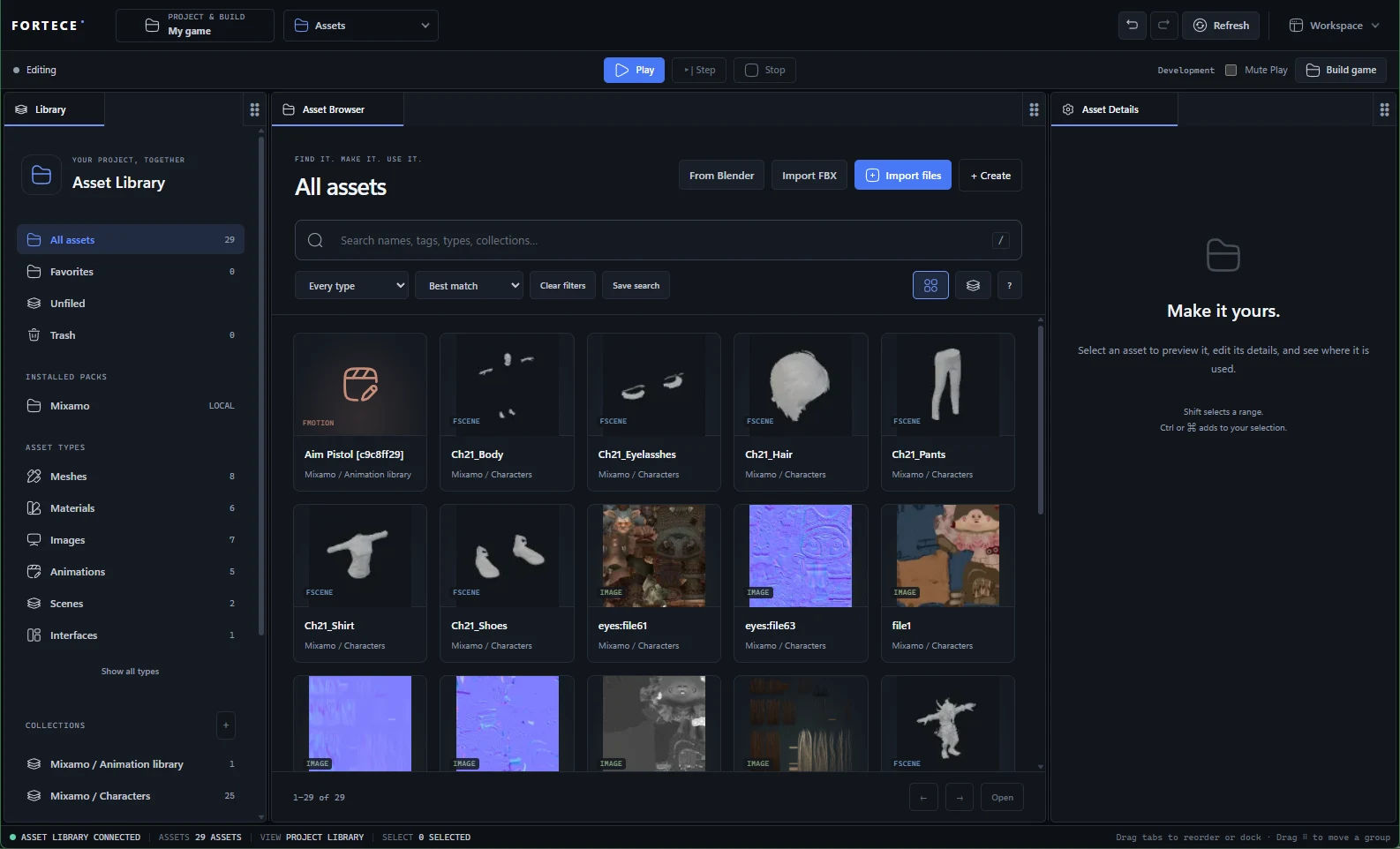
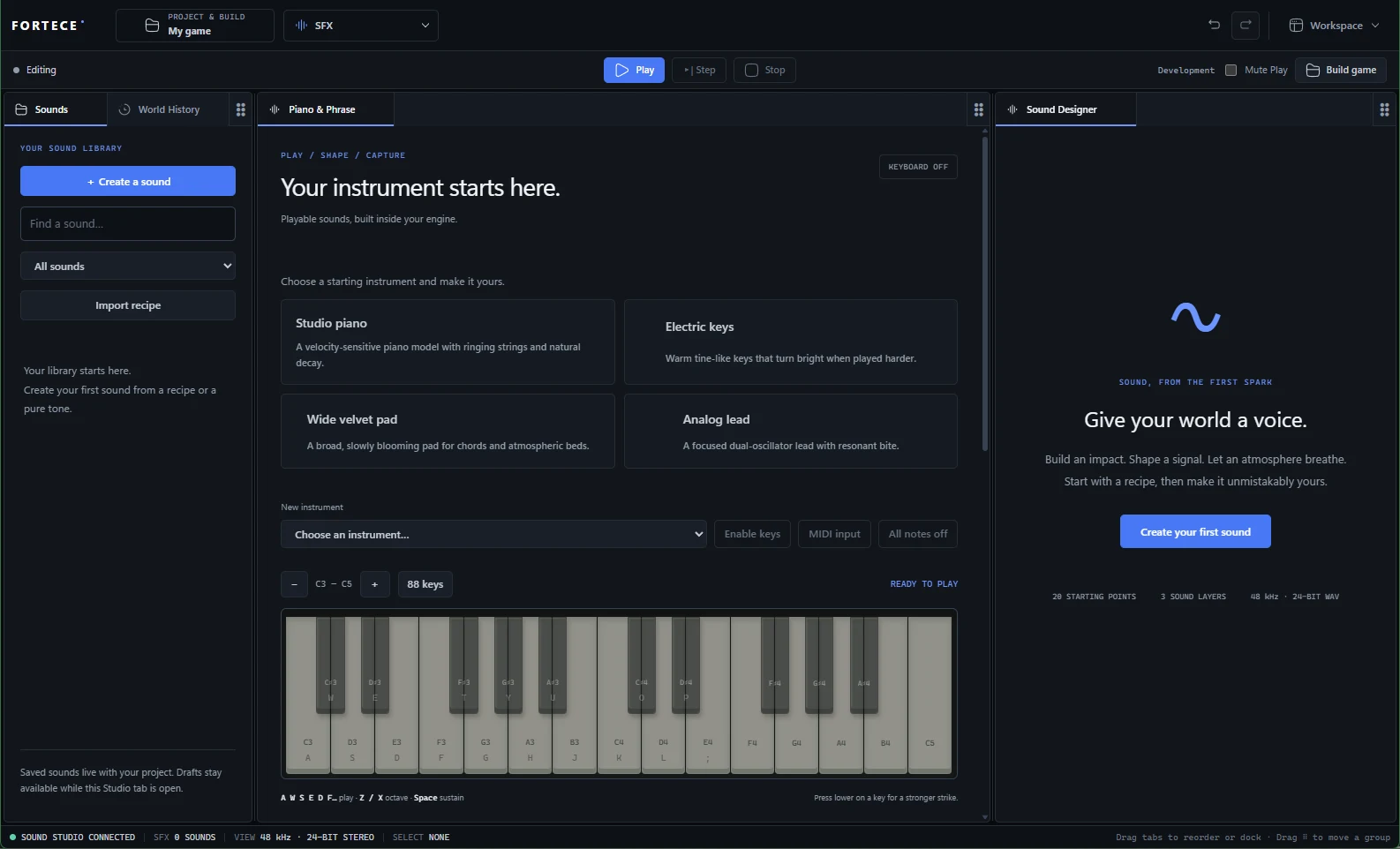
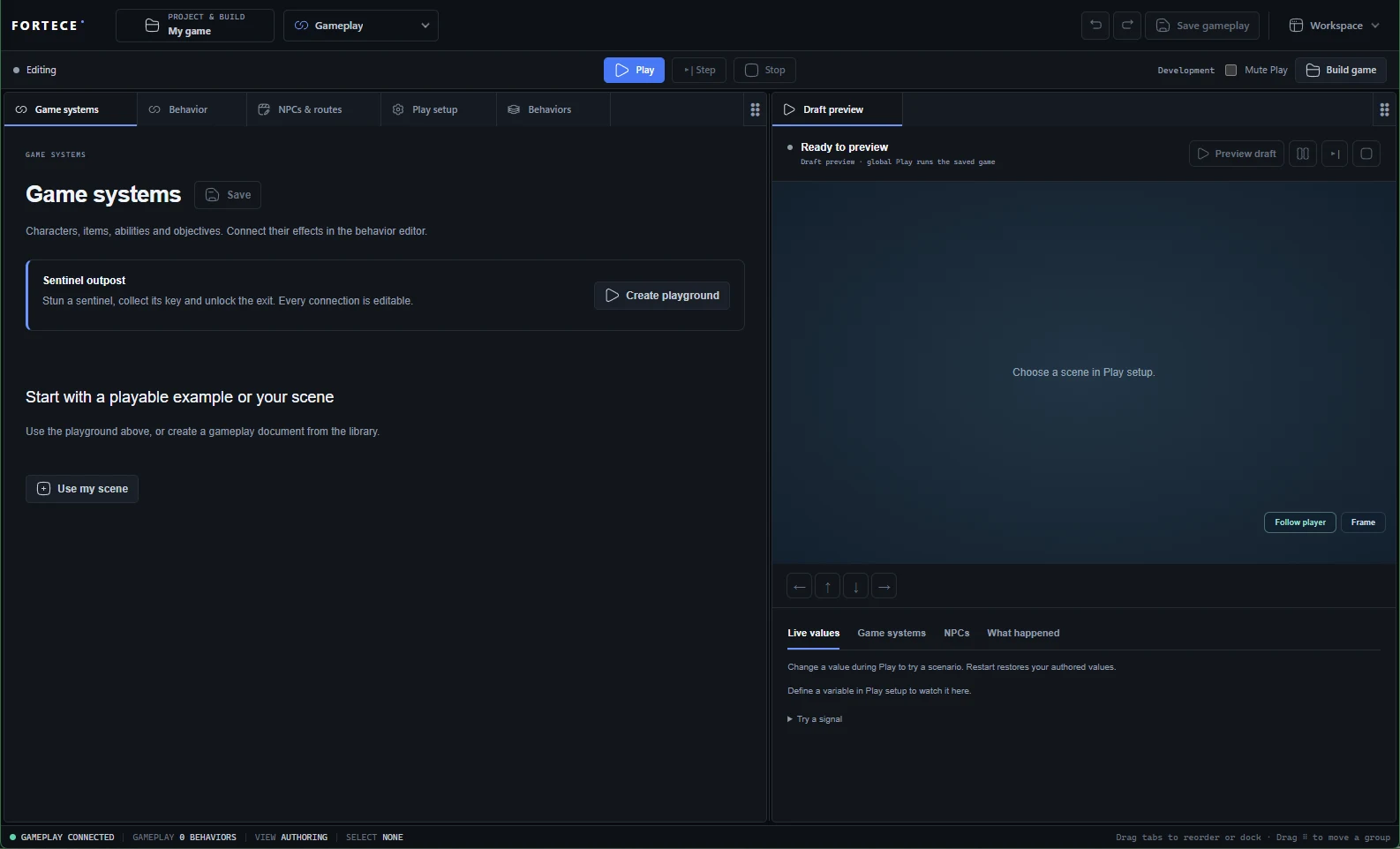
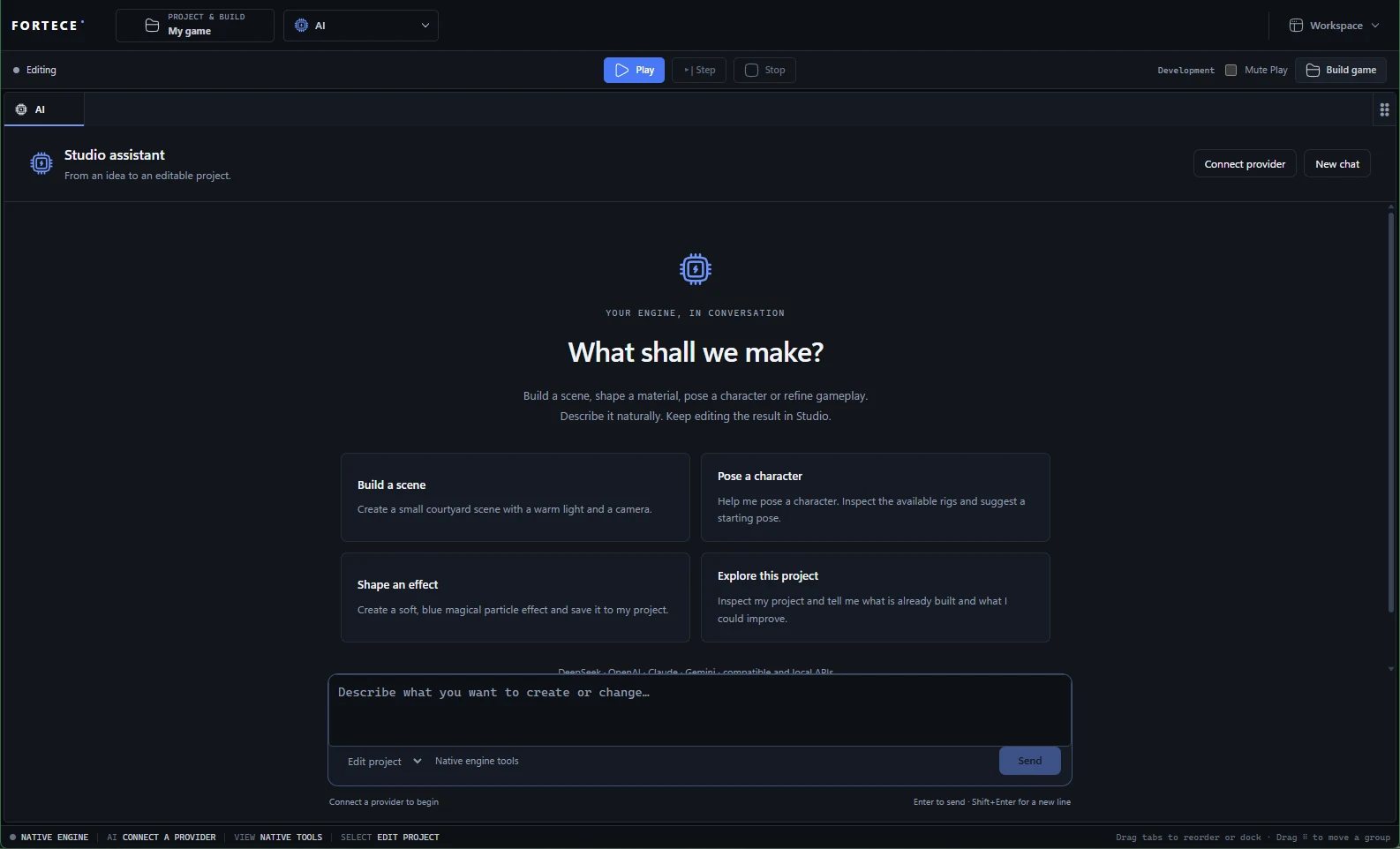
Screens captured from Fortece Studio running on Windows with its native viewports.
HOW IT'S BUILT
WHERE THE WORK HAPPENS
The browser handles panels, gestures and presentation. C++ validates and executes every change against one world.
- 01BrowserPanels, gestures, presentation
- 02C++Validation, authoring, execution
- 03WorldOwned asset data, undo, replay
- 04CheckpointSaved project
RETURN PATH // C++ sends snapshots, material pixels and sound samples back to the browser.
| ENGINE AREA | CURRENT SCOPE |
|---|---|
| World | Stable entity IDs, typed columns, transactions, relations, undo, replay and persistence |
| Runtime APIs | Gameplay, input, physics, animation, audio, VFX, UI and render-graph contracts |
| Renderer | D3D12 with PBR, shadows, temporal reconstruction, rays and media |
| Content tools | Asset identity, native readers, reimport, deterministic cook and SDK packaging |
| Game sample | Fox Trail: an animated fox, capsule movement, collection and scene transitions |
| Networking | Local tools transport and rollback experiments, no production multiplayer |
CURRENT LIMITS
03 NOTED
- Packaging produces a Windows folder with the native player and cooked content, not signed installers or store submissions.
- Material displacement is not connected in Scene and games yet.
- There is no production multiplayer stack.